
Features

Calm, on time, together.

Everything in dailytwee is built around one idea: start before it’s late. Here is what that looks like in the app.

Today

One thing first, then the rest.

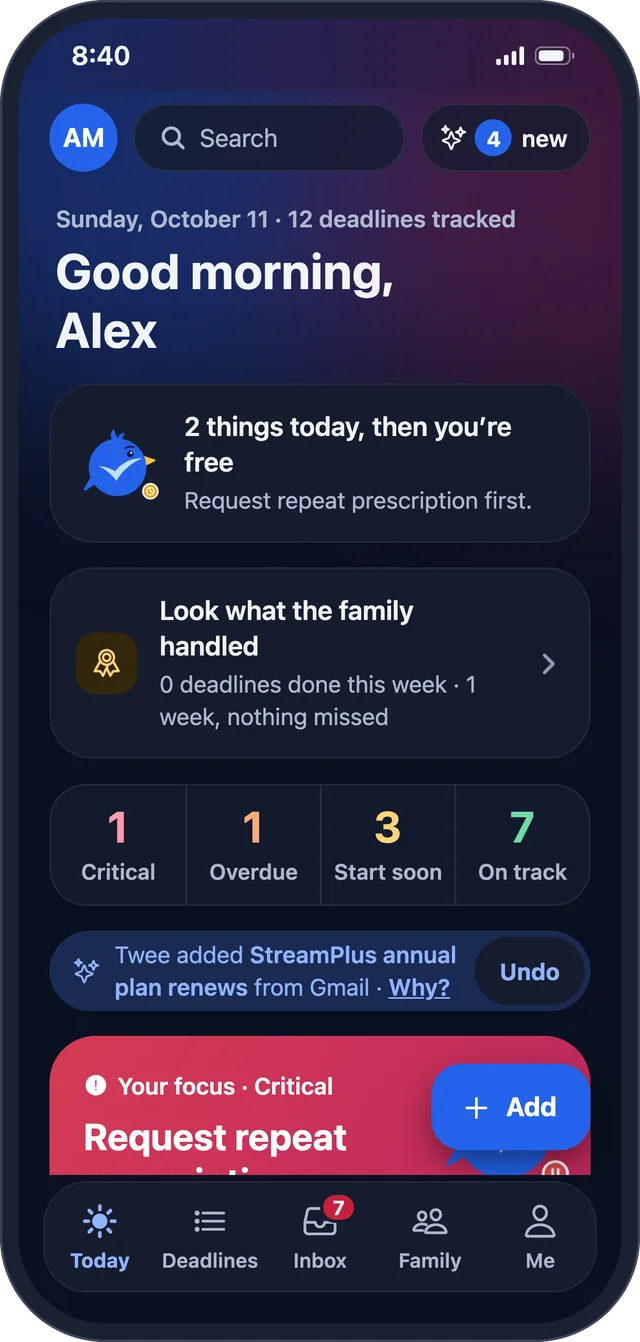
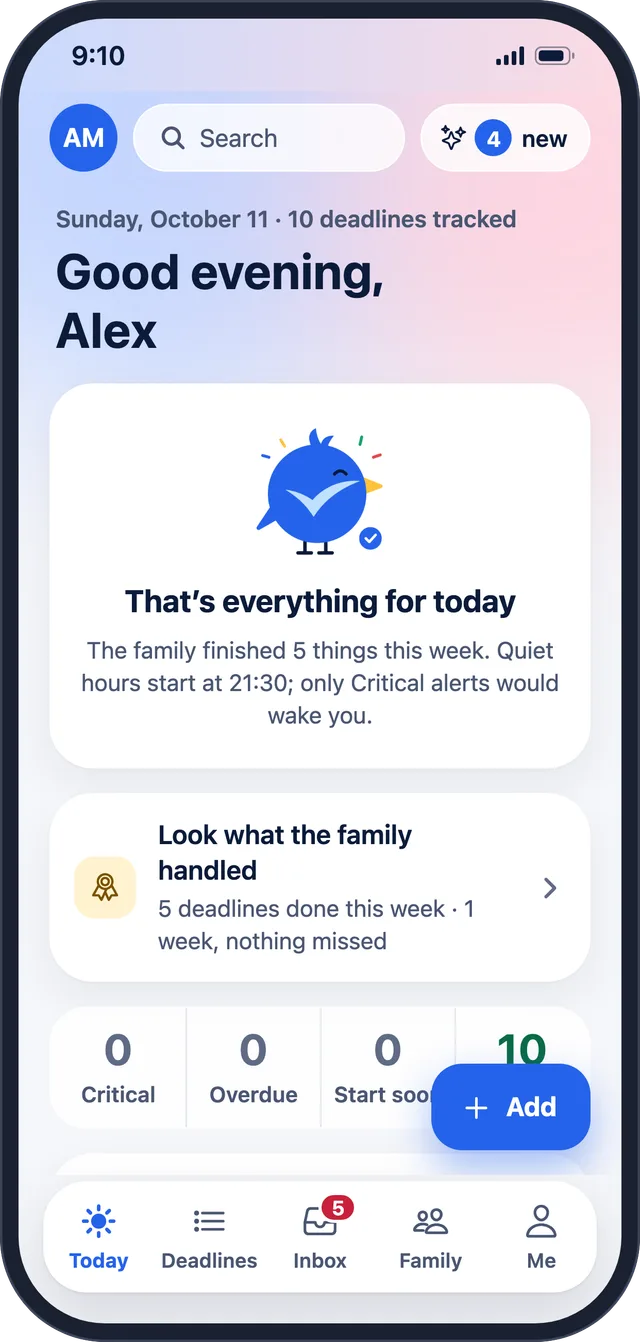
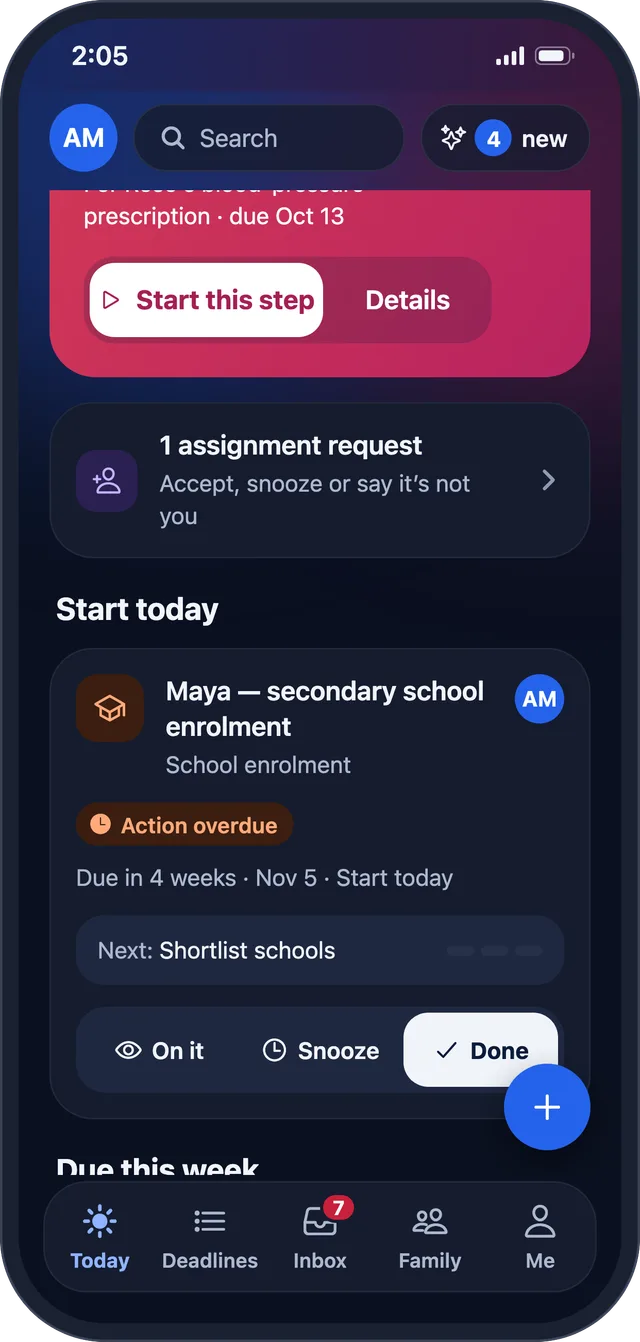
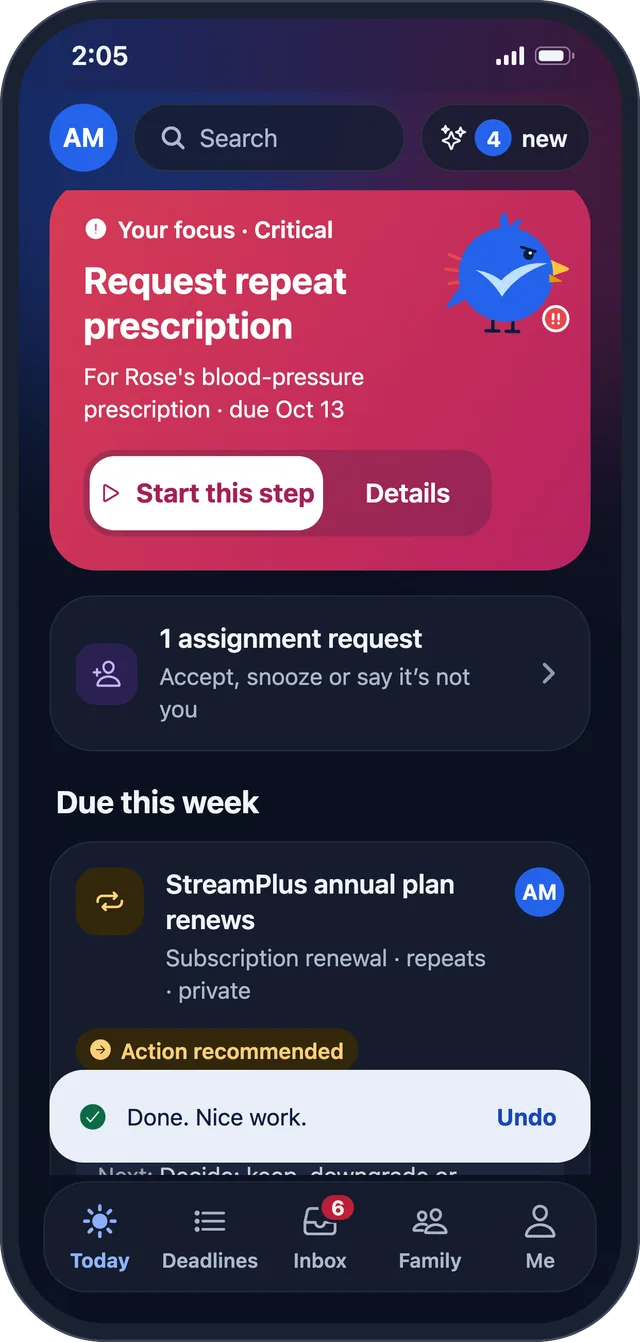
Today puts the most urgent item first, with “Start this step”. In the morning you get a short plan; at night, a calm close.

  • “2 things today, then you’re free”
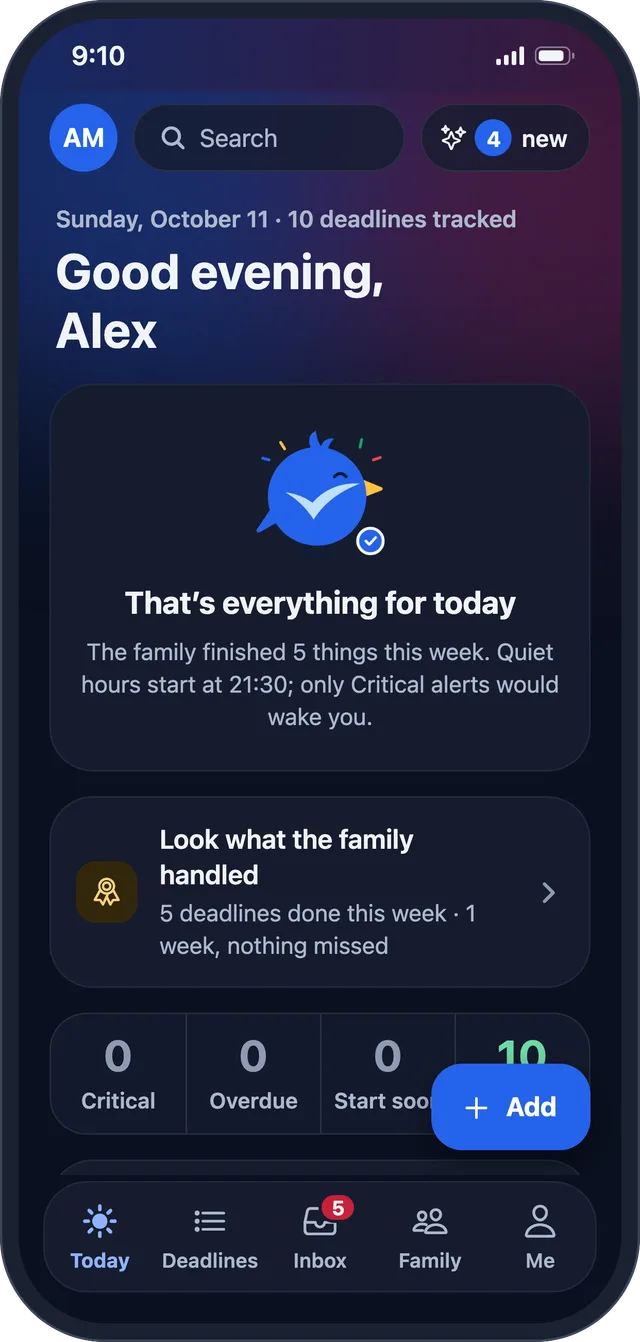
  • “That’s everything for today”
  • A health strip: Critical, Overdue, Start soon, On track
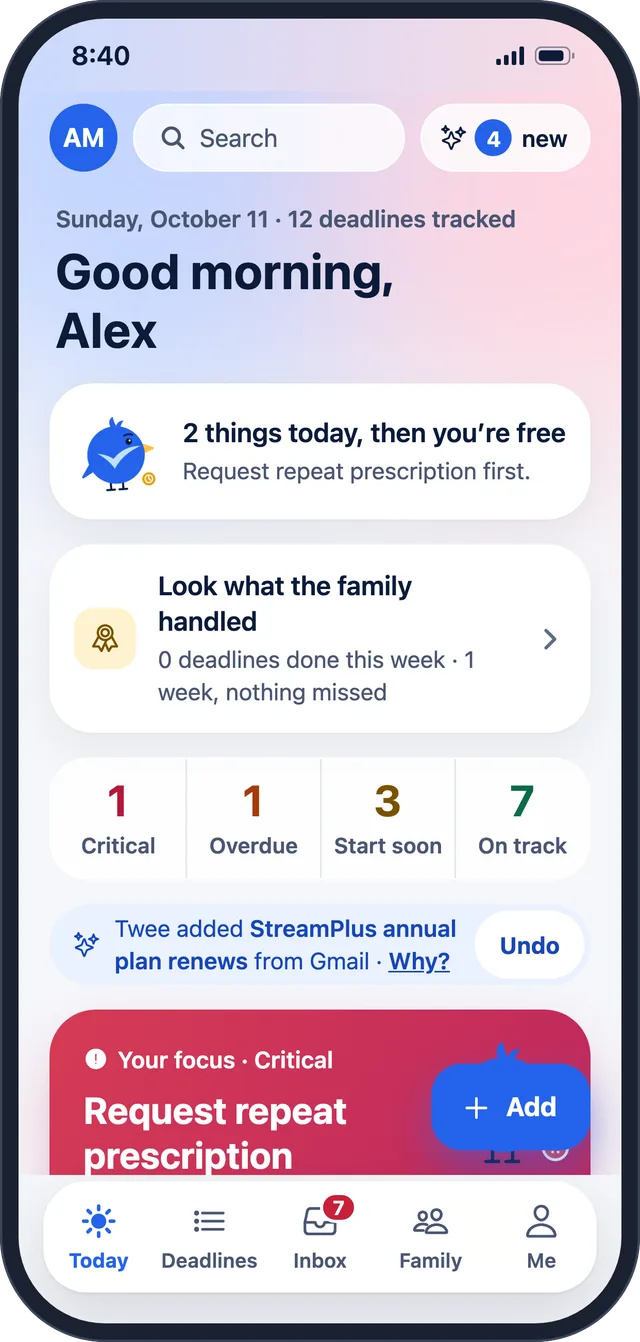
Morning: two things today, then you’re free Morning: two things today, then you’re free
Evening: that’s everything for today Evening: that’s everything for today

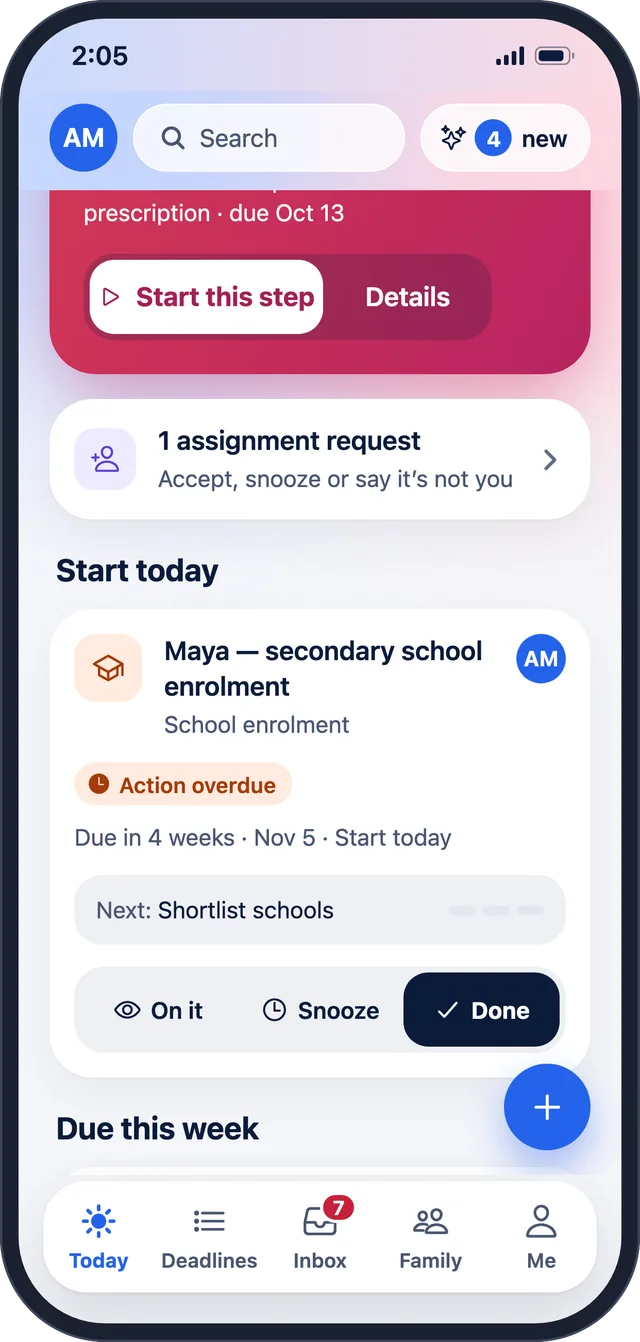
On it · Snooze · Done

The same three actions on every card.

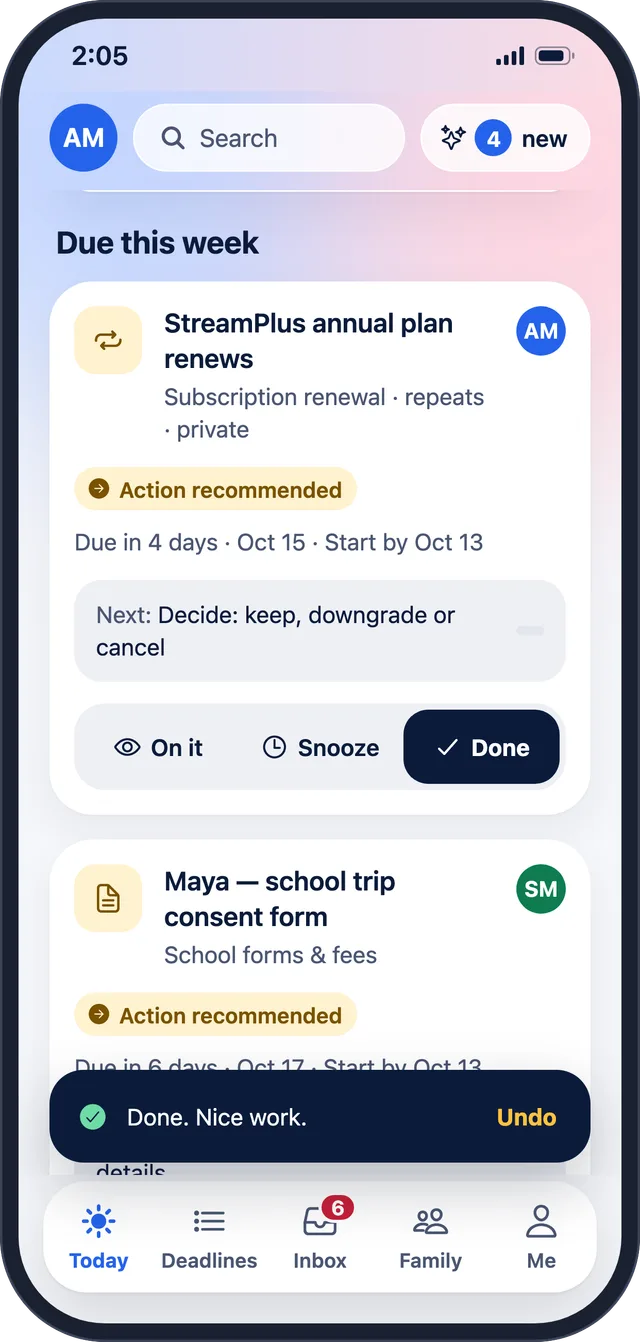
Tap On it to say you’ve seen it, Snooze to come back to it, or Done when it’s sorted. Done comes with Undo, and so does anything Twee adds on its own.

  • “Done. Nice work. Undo”
  • Snooze: “Snoozed until Oct 14.”
Deadline cards with On it, Snooze and Done Deadline cards with On it, Snooze and Done
Done, with Undo Done, with Undo

Say it

Speak instead of typing.

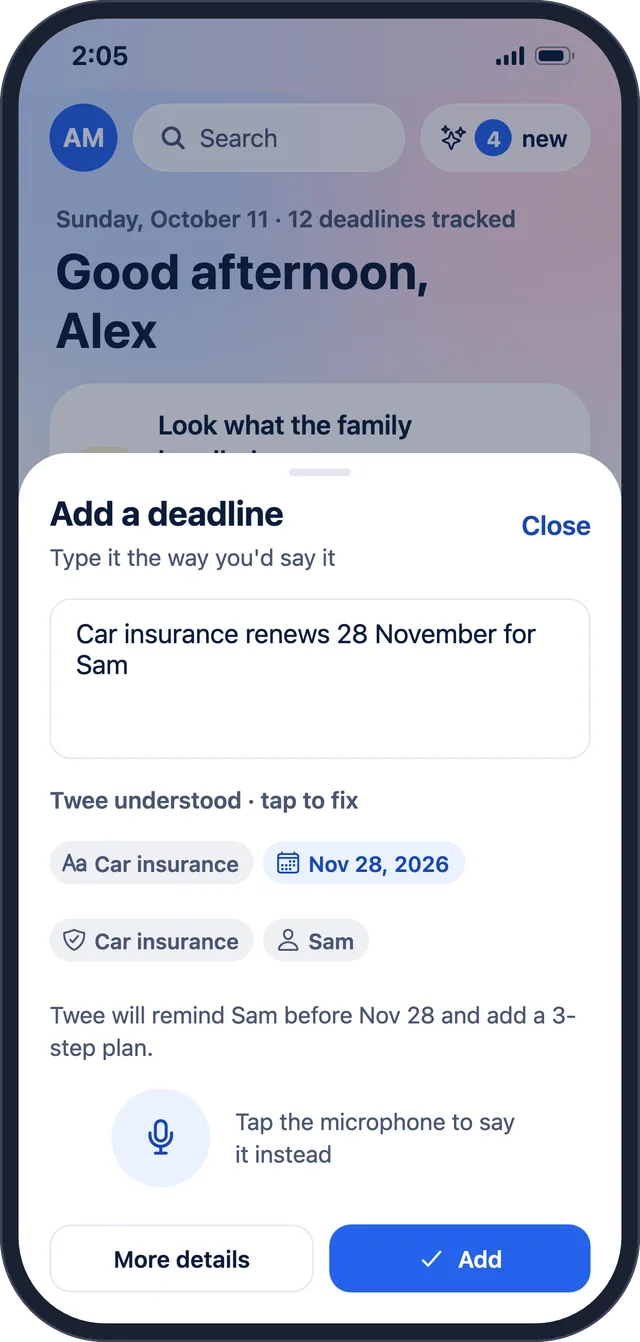
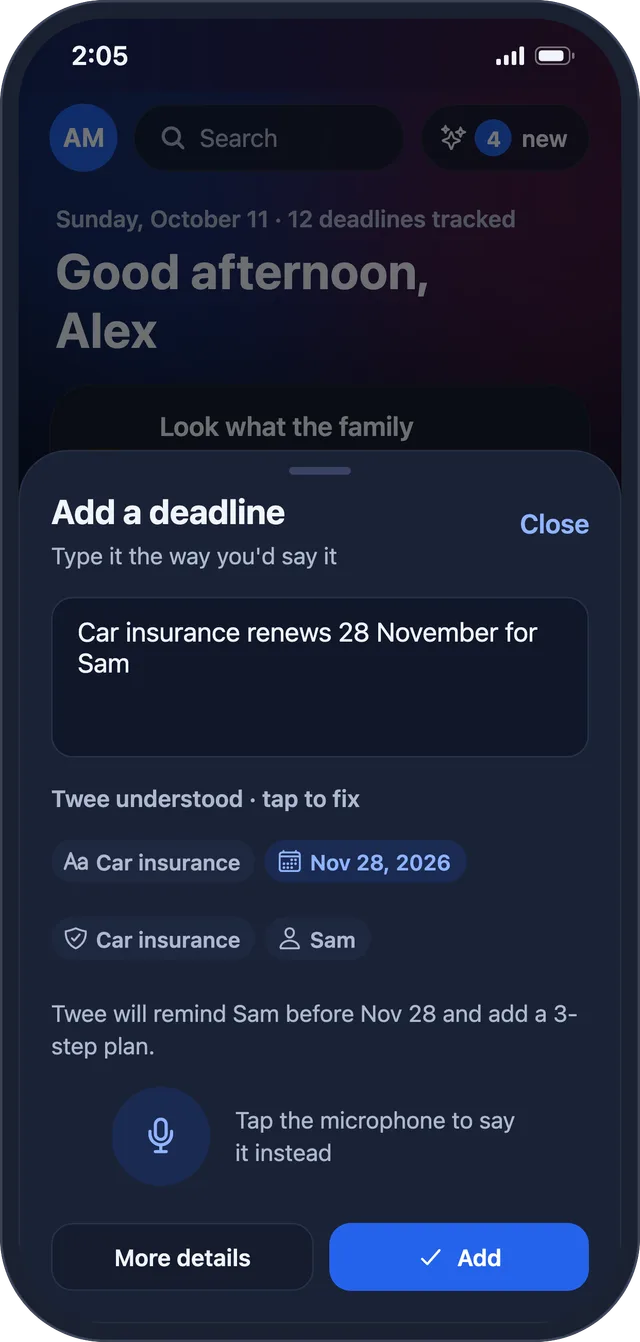
Say “car insurance on November 28 for Sam” and Twee fills in what, when and who. Check it, then add it.

  • Uses your phone’s or browser’s own speech recognition
  • Twee shows what it understood before anything is saved
Twee understood: Car insurance, Nov 28, 2026, Sam Twee understood: Car insurance, Nov 28, 2026, Sam

Forwarding and calendars

Forward an email. Twee finds the date.

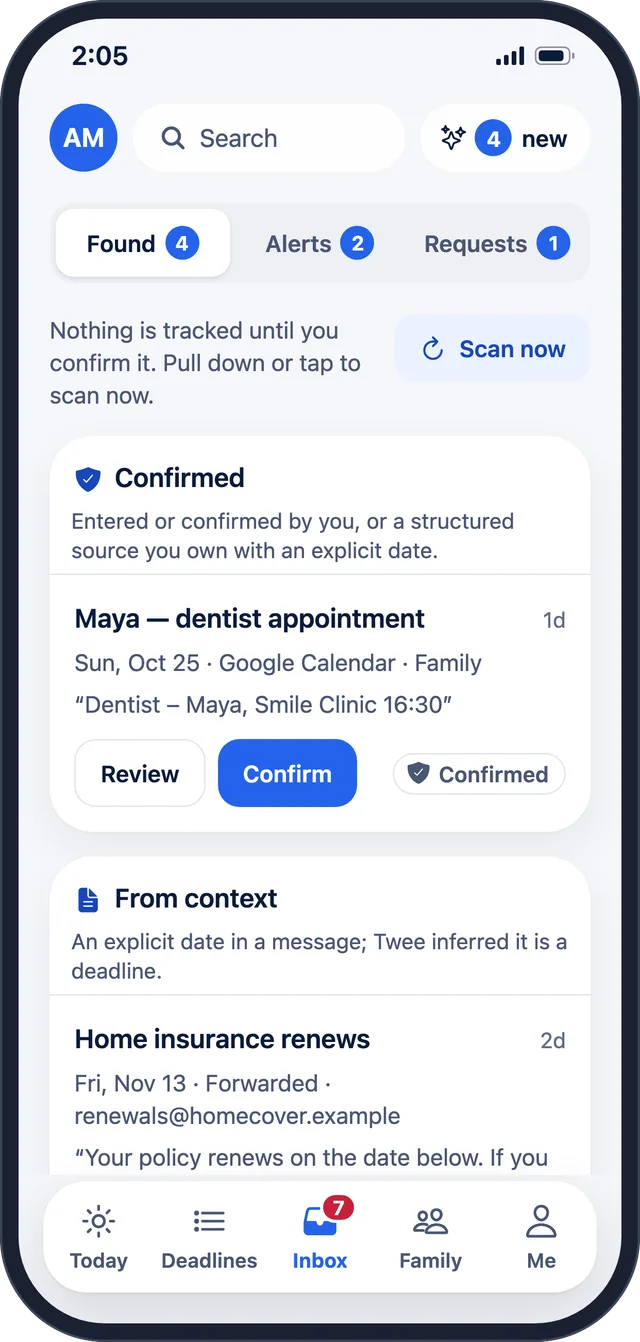
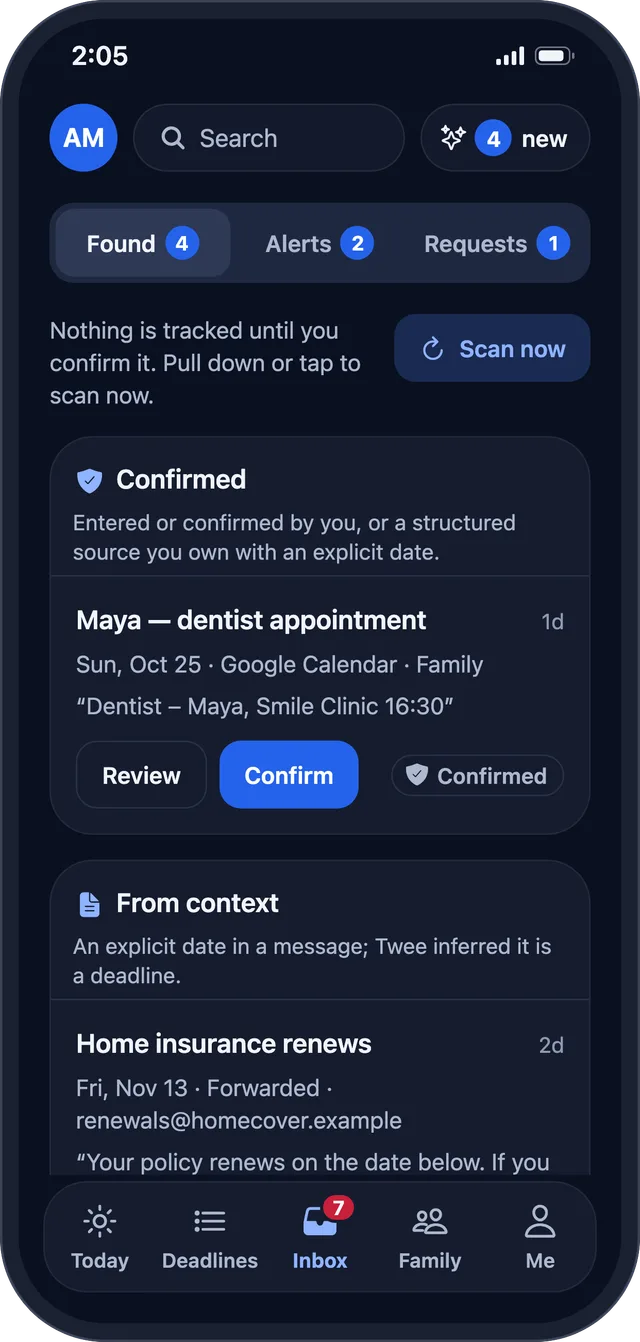
Forward the renewal notice, the school letter or the booking confirmation, or connect Google Calendar to find dates you already have. Nothing is tracked until you confirm it.

  • “Nothing is tracked until you confirm it.”
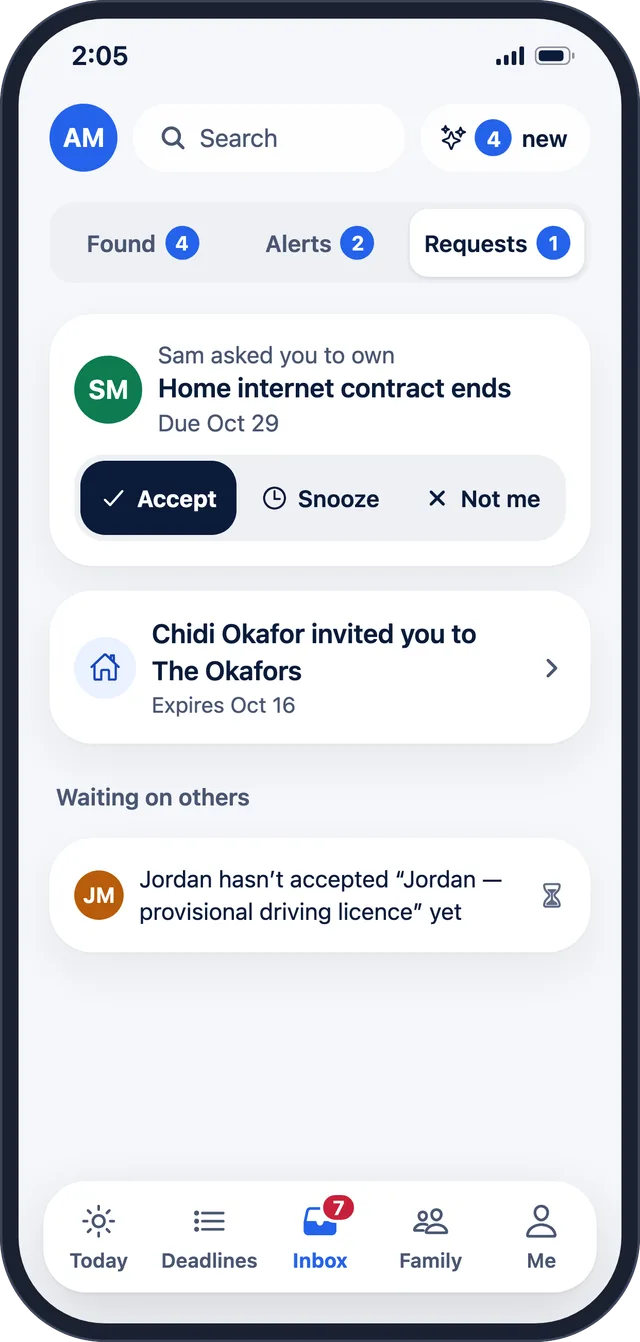
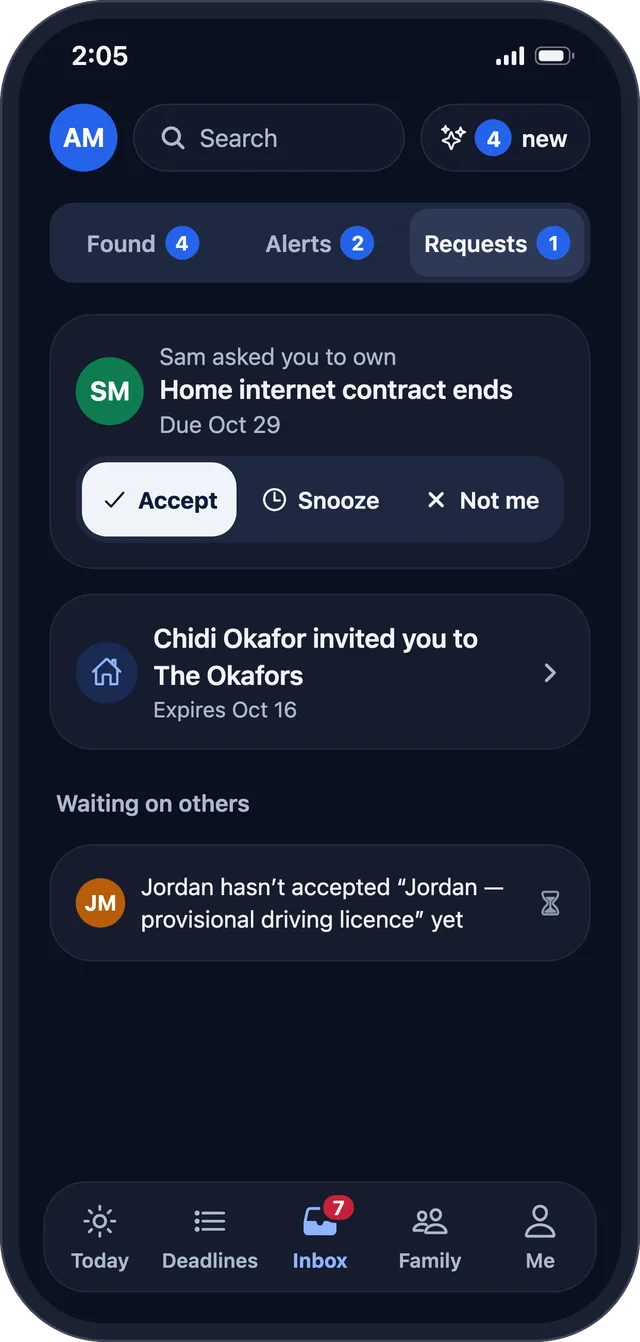
  • Requests from family: Accept · Snooze · Not me
The inbox with suggestions found from a forwarded email and the family calendar The inbox with suggestions found from a forwarded email and the family calendar
Requests to take something on: Accept, Snooze or Not me Requests to take something on: Accept, Snooze or Not me

Why?

Anything Twee does on its own explains itself.

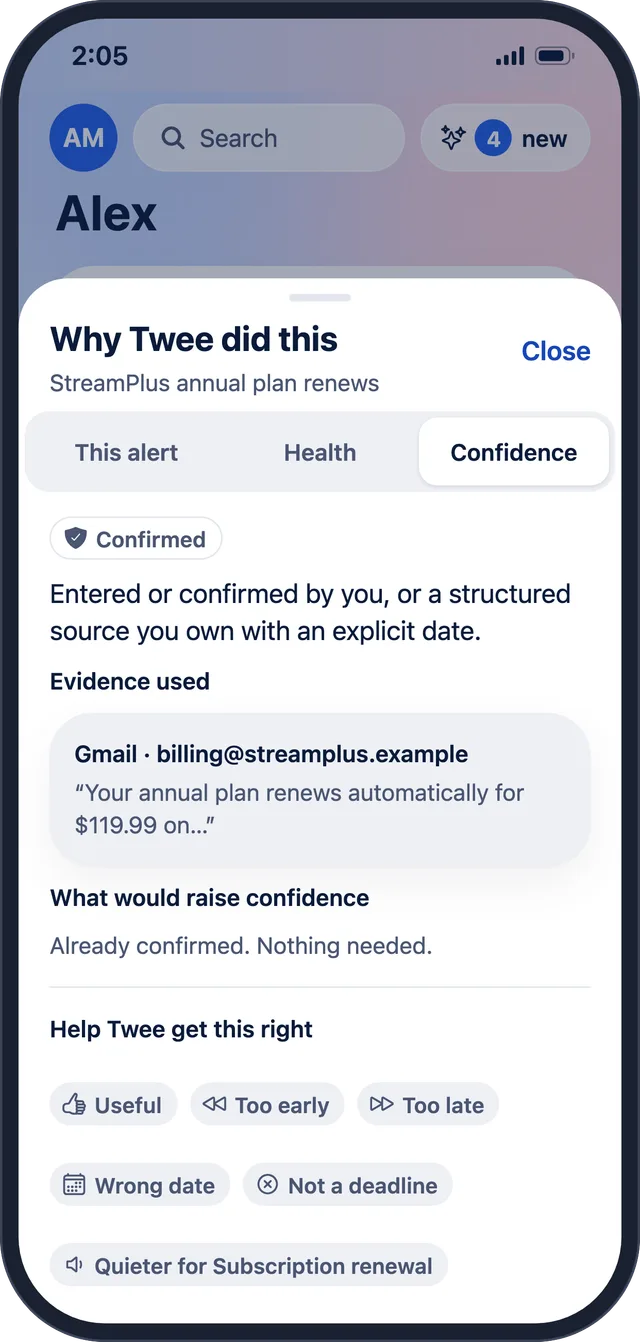
When Twee adds a deadline it found, it says where it came from and why, with Undo next to it.

  • “Twee added StreamPlus annual plan renews from Gmail · Why?”
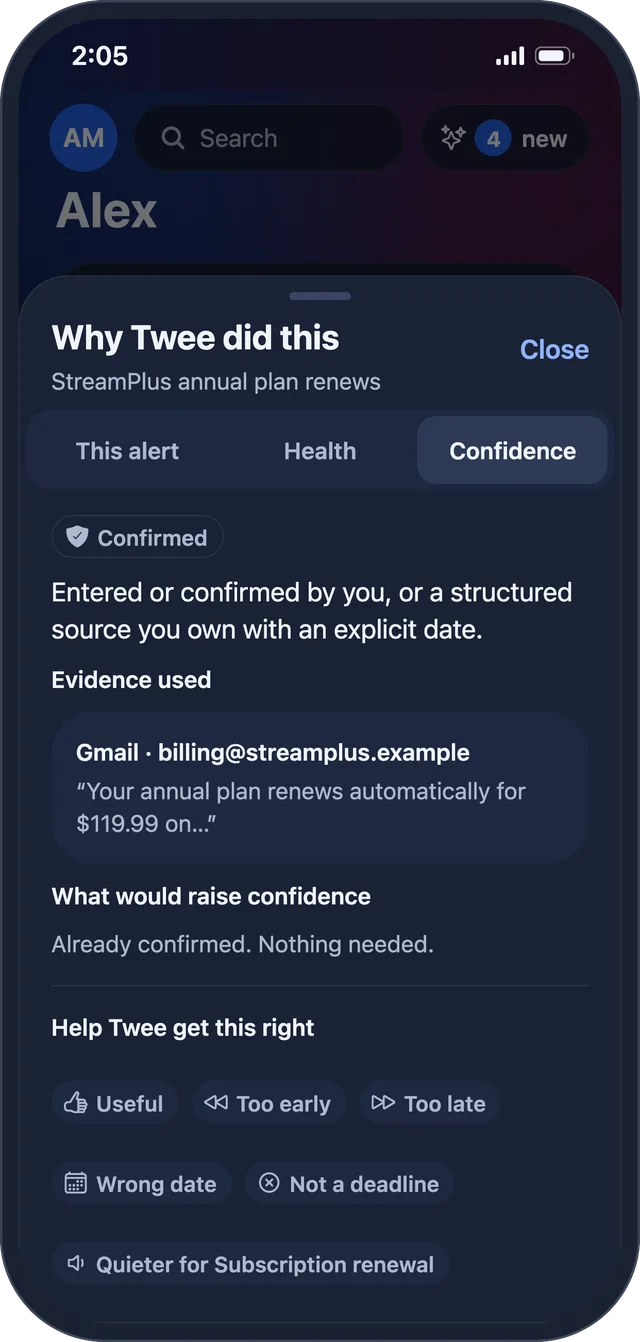
Why Twee did this Why Twee did this

Quiet hours

Alerts that wait until morning.

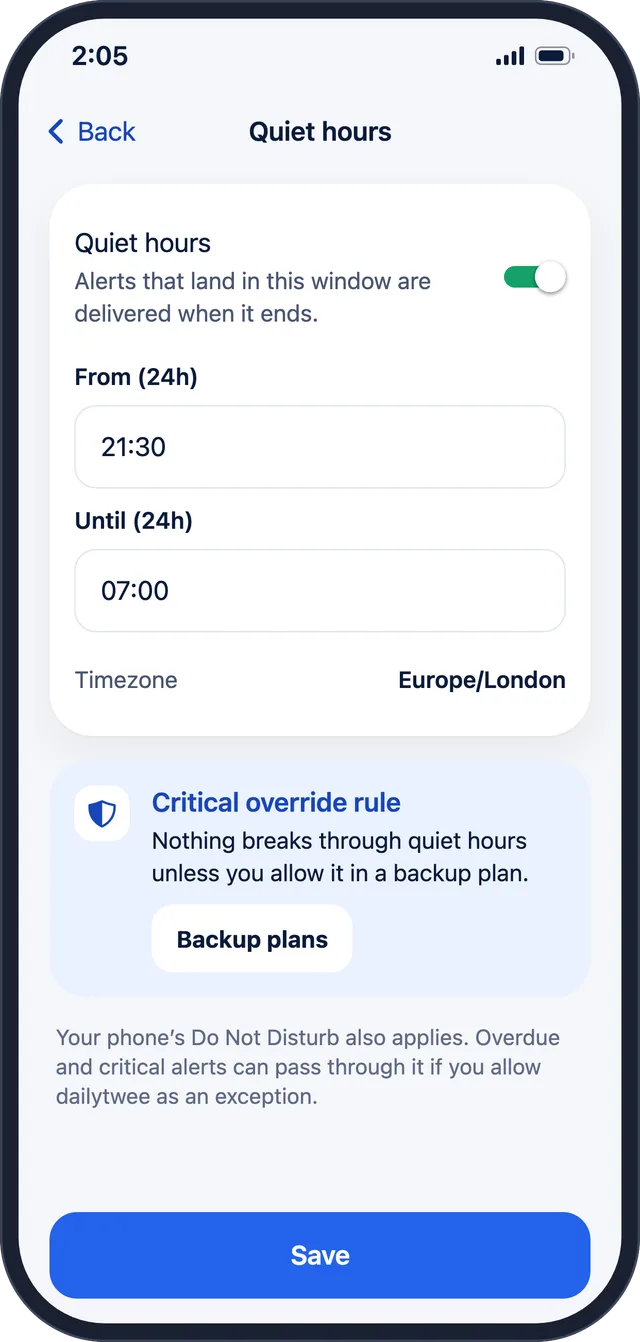
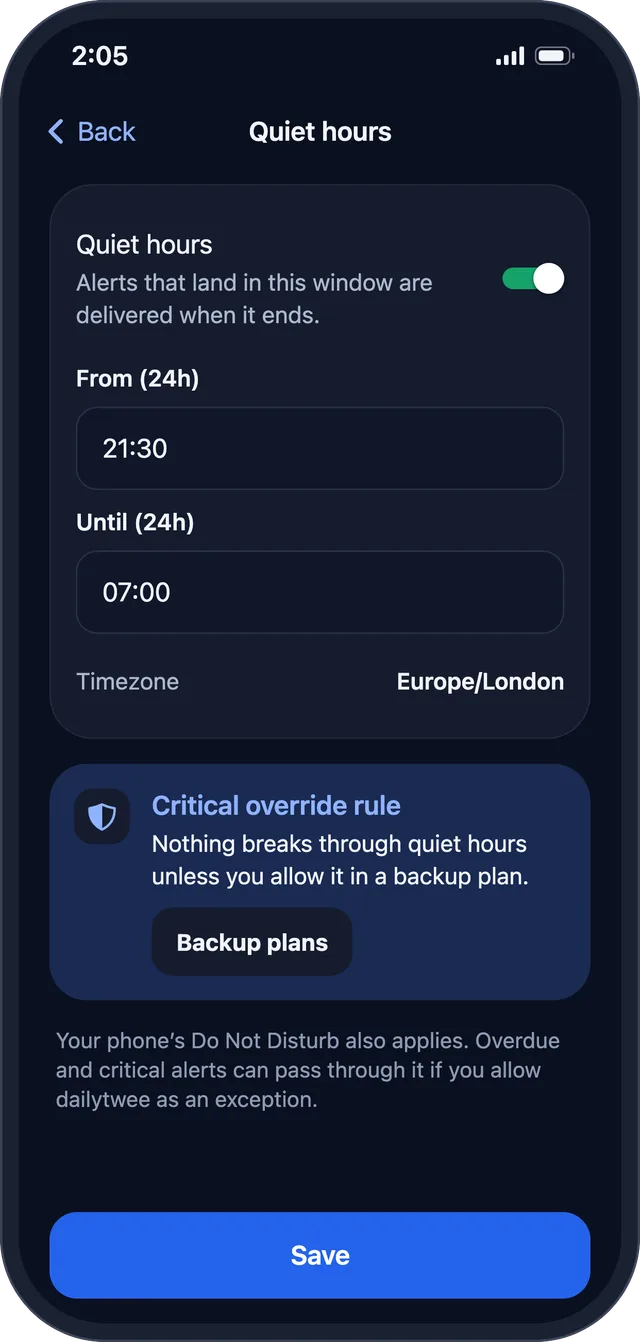
Alerts that land in your quiet hours are delivered when they end. Nothing breaks through quiet hours unless you allow it in a backup plan.

  • Quiet, capped alerts on every plan
  • Text messages only for critical deadlines, backup plans, helpers without the app, and codes
Quiet hours settings Quiet hours settings

Simple view

A calmer screen for children and older relatives.

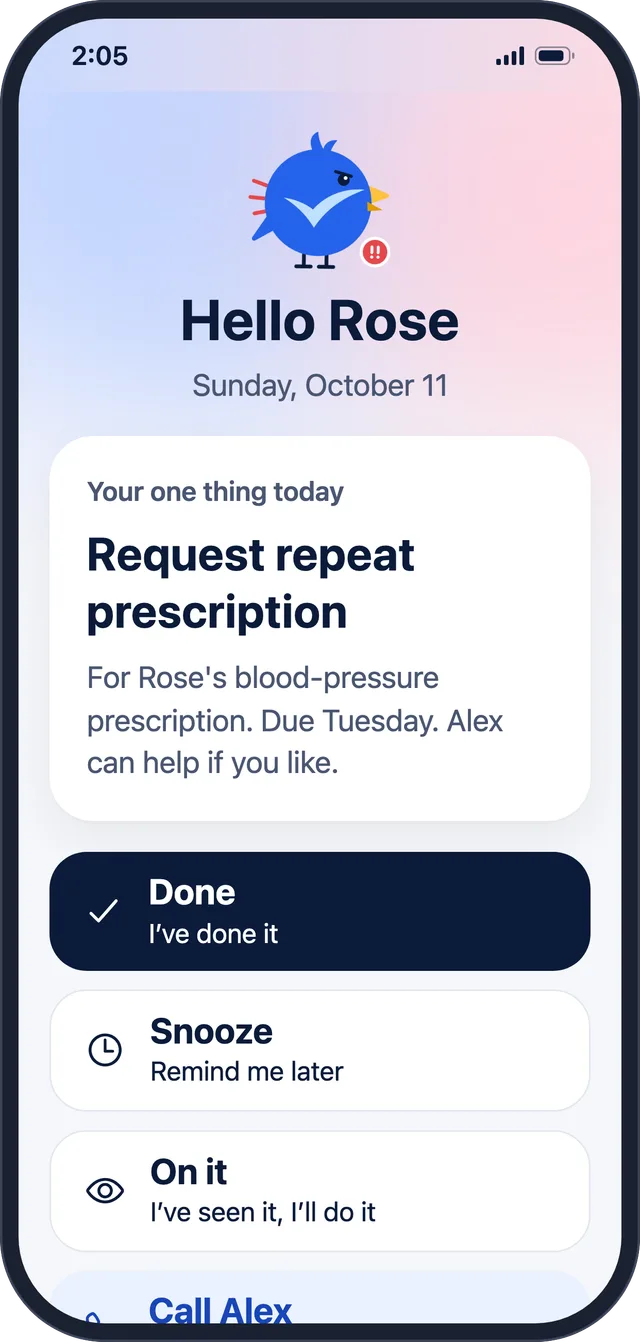
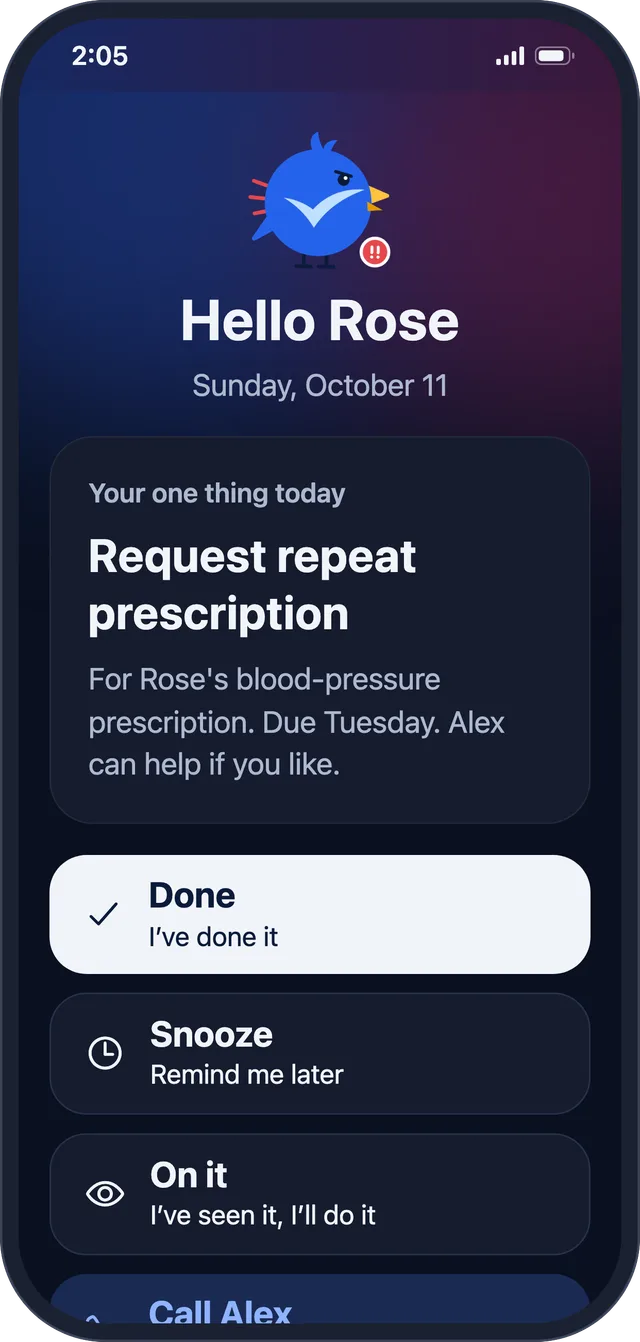
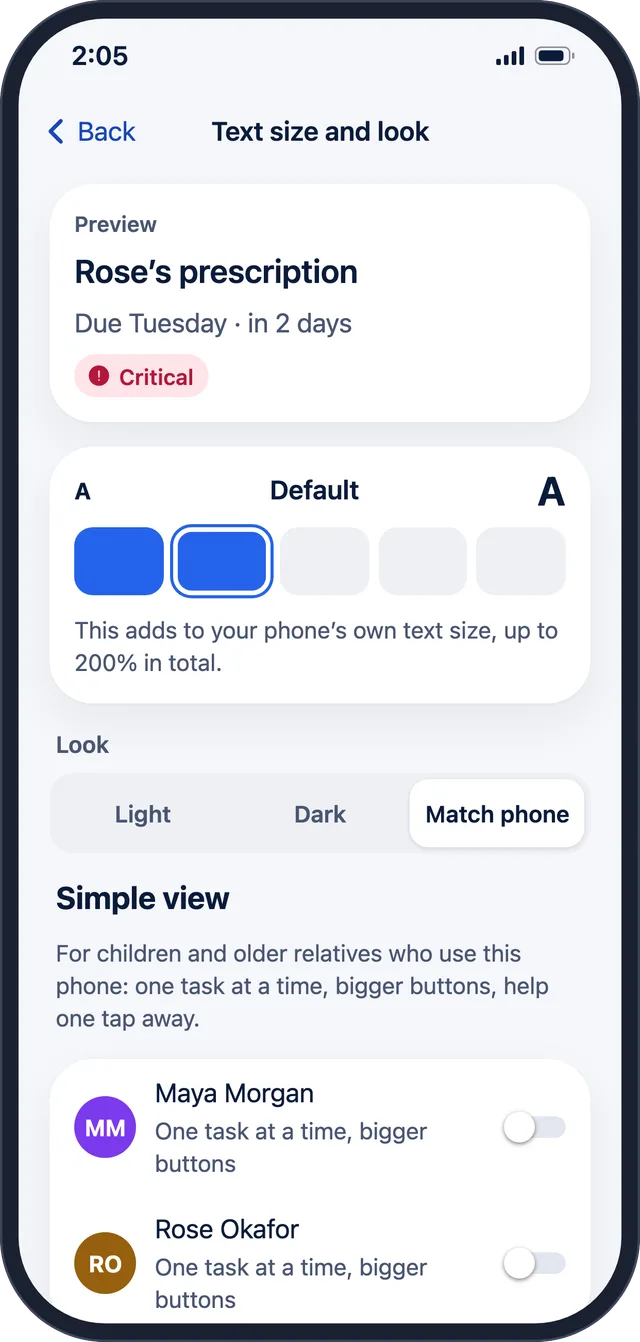
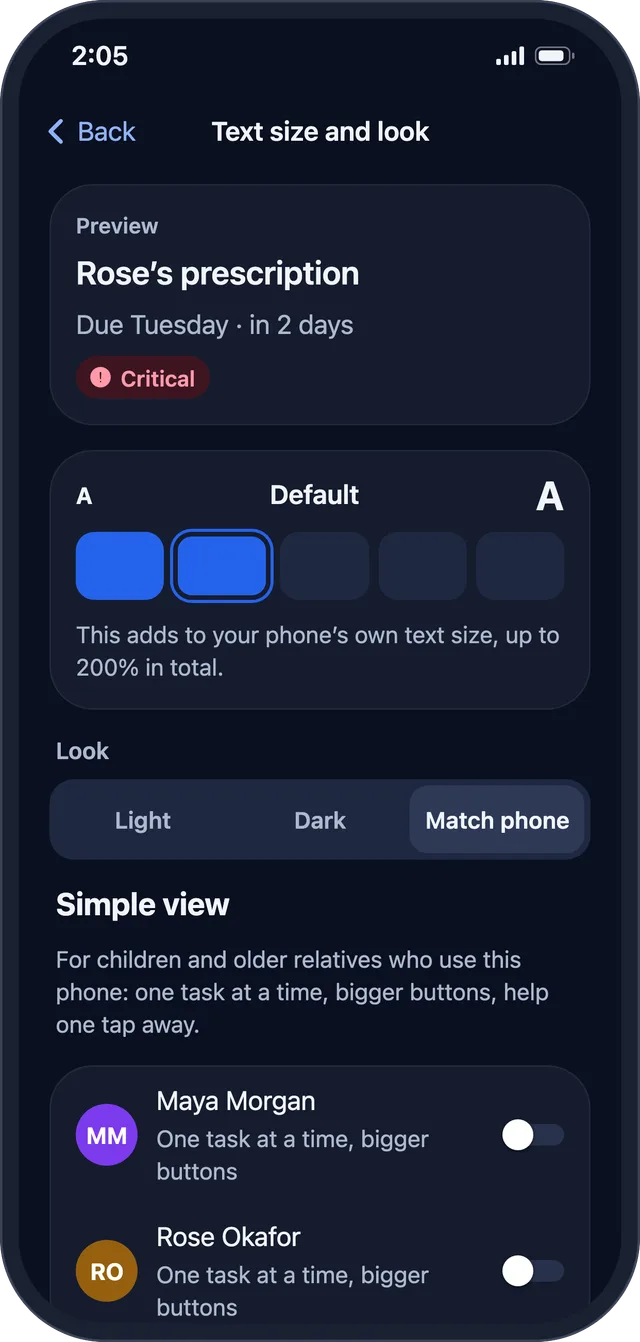
One task at a time, bigger buttons, and help one tap away. Text grows up to 200%, with light and dark looks.

  • Done · Snooze · On it, and a button to call for help
  • Managed profiles for family members who never open the app
Rose’s Simple view: one task with big buttons Rose’s Simple view: one task with big buttons
Appearance: Simple view and text size up to 200% Appearance: Simple view and text size up to 200%

A cheer and a streak

“Well done, Rose!”

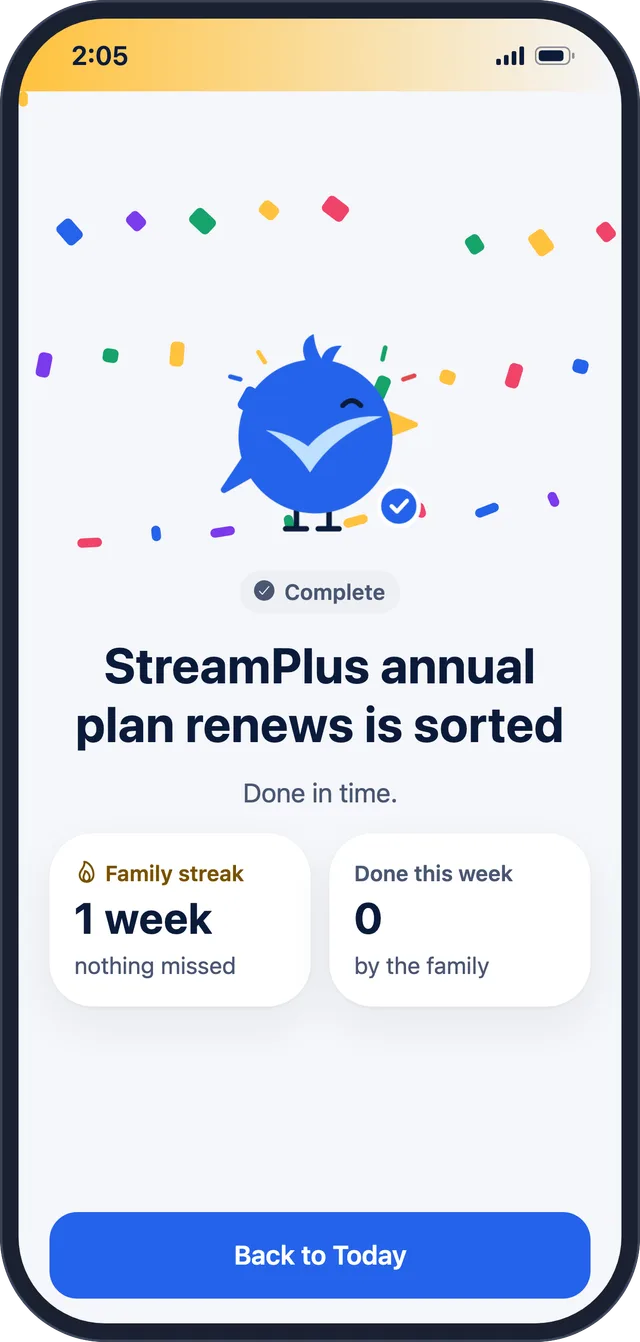
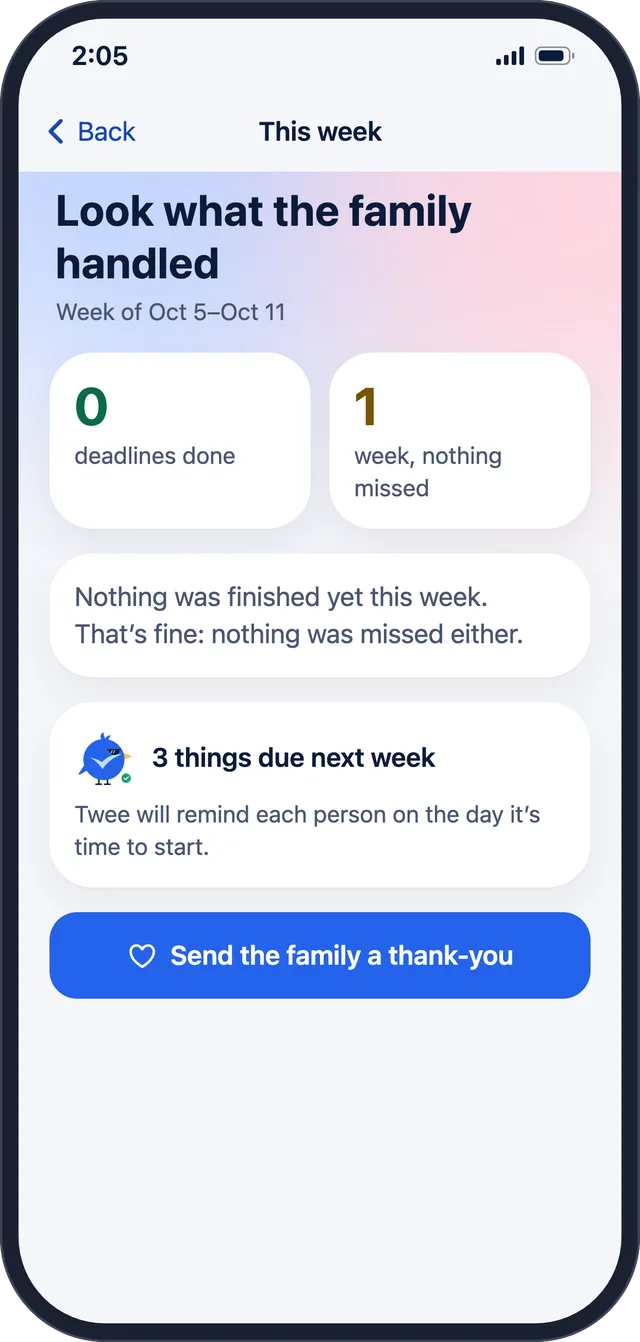
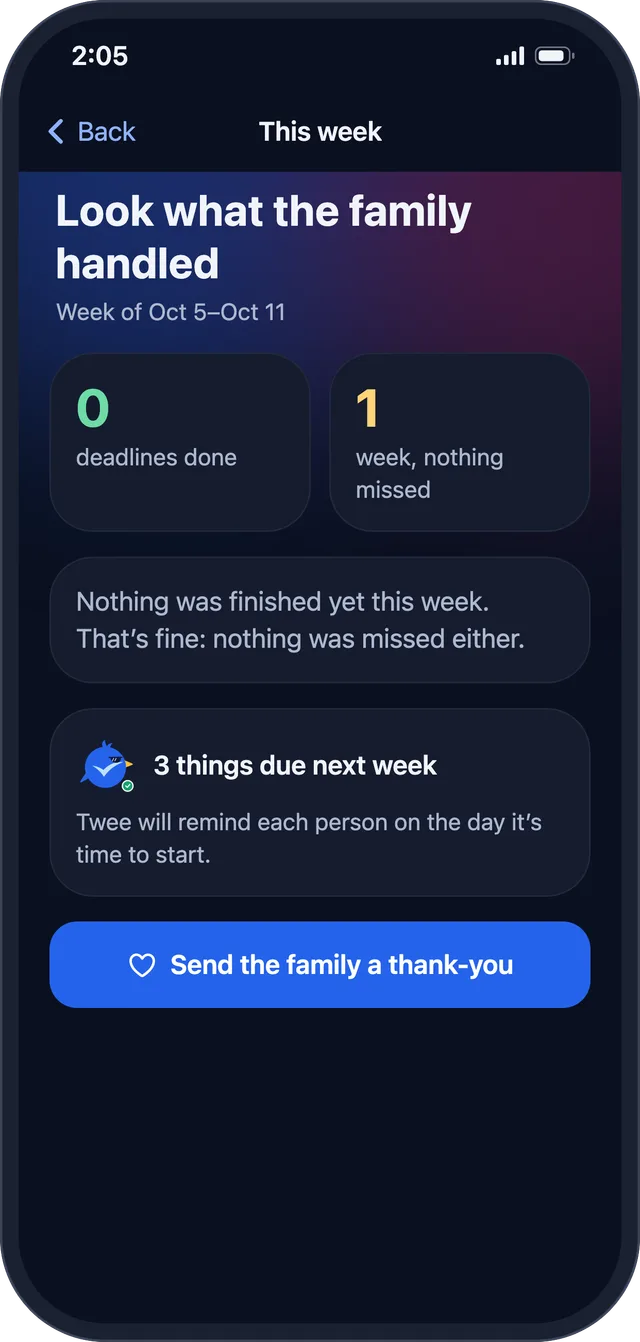
Finishing something gets a cheer. The family streak counts the weeks with nothing missed, and on Sunday there’s a recap of what the family handled.

  • “Family streak · 1 week · nothing missed”
  • “Look what the family handled”
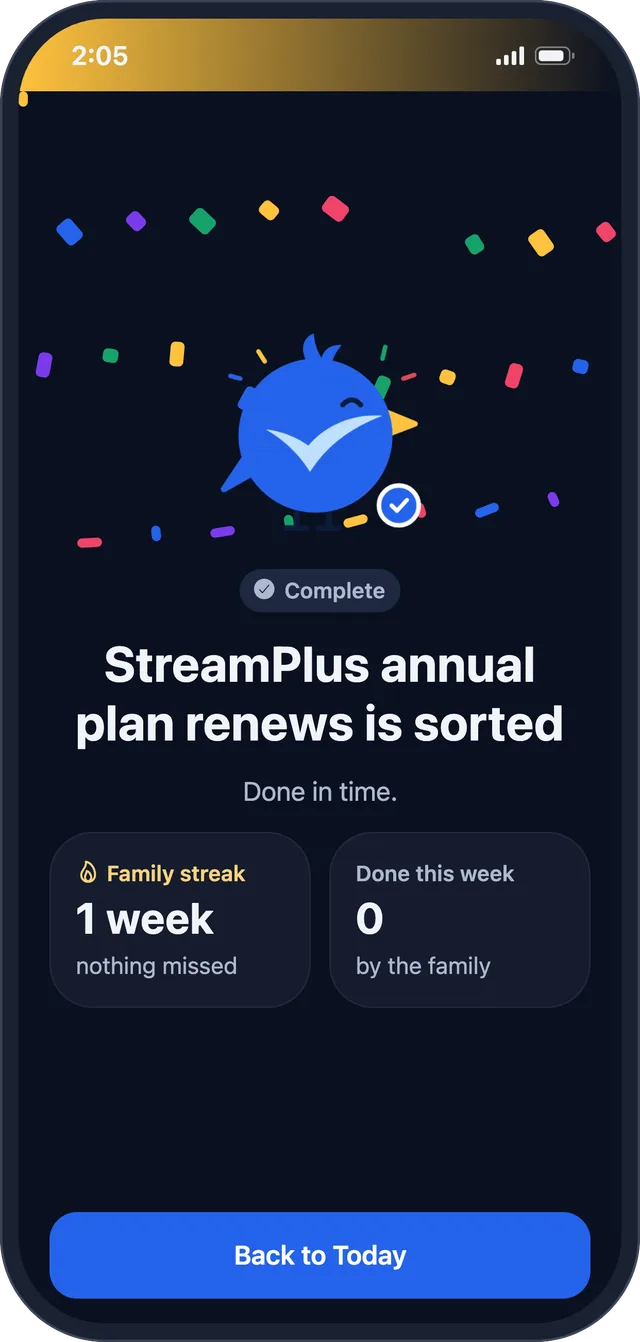
Celebrate: sorted, done in time, family streak one week Celebrate: sorted, done in time, family streak one week
Sunday recap of what the family handled Sunday recap of what the family handled

Coming soon: a home-screen widget

Today’s start-by item on your home screen. It isn’t in the app yet; we’ll say so here when it is.