AMAlexThe organiser
The whole picture in five seconds.
Today shows what needs a start and who owns it. Hand things off with a request instead of a reminder, and see the family’s week in Sunday’s recap.
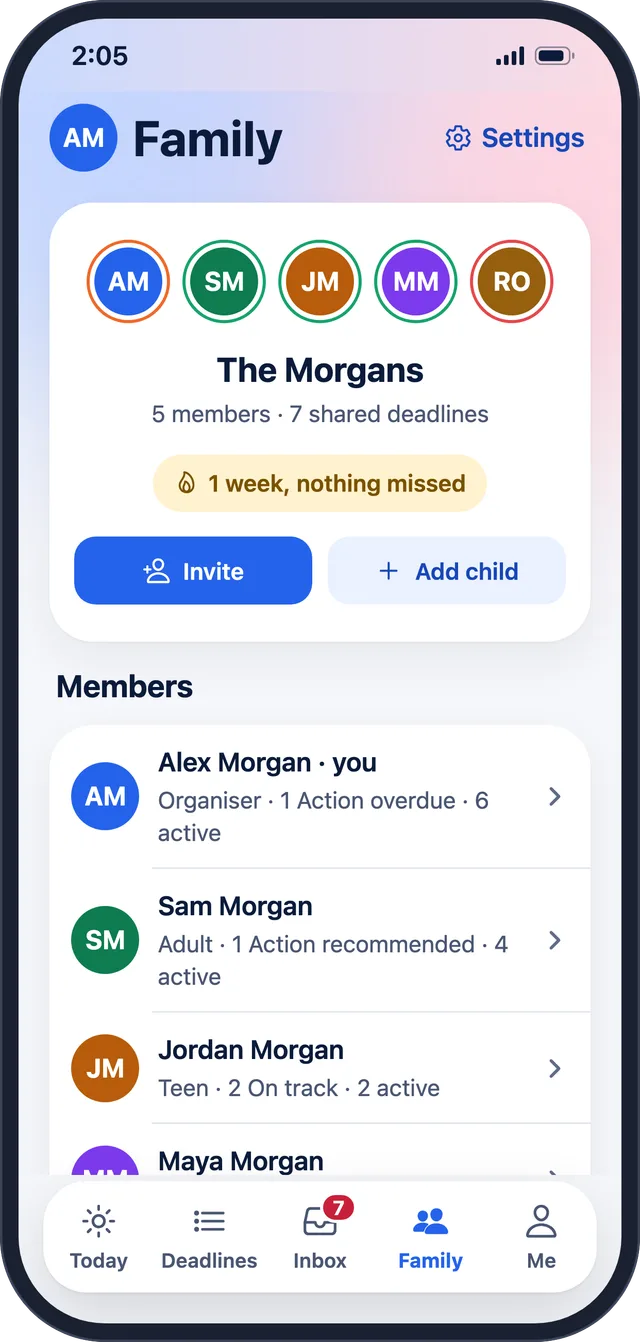
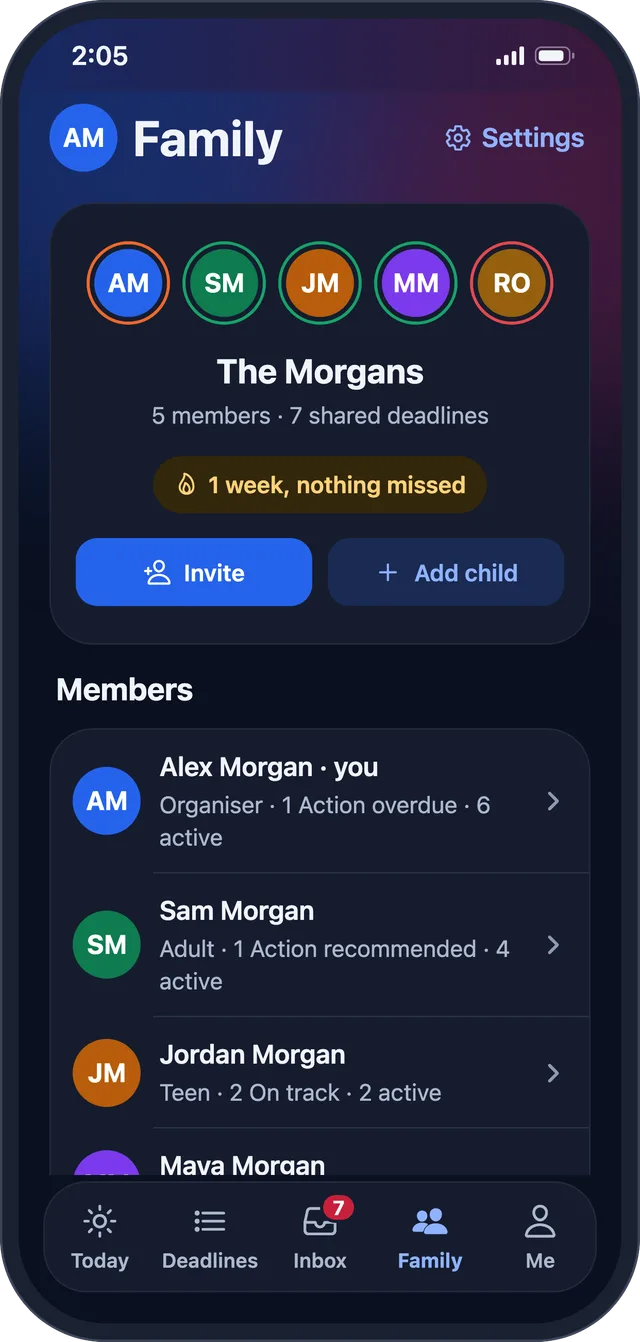


For families
One person usually remembers for everyone, nags everyone, and gets blamed when it slips. dailytwee gives every deadline an owner, a start date and a backup.
Today shows what needs a start and who owns it. Hand things off with a request instead of a reminder, and see the family’s week in Sunday’s recap.
Sam is asked only when something important gets no response, at most once a day and never in quiet hours unless the plan allows it. One tap from a text, no account.
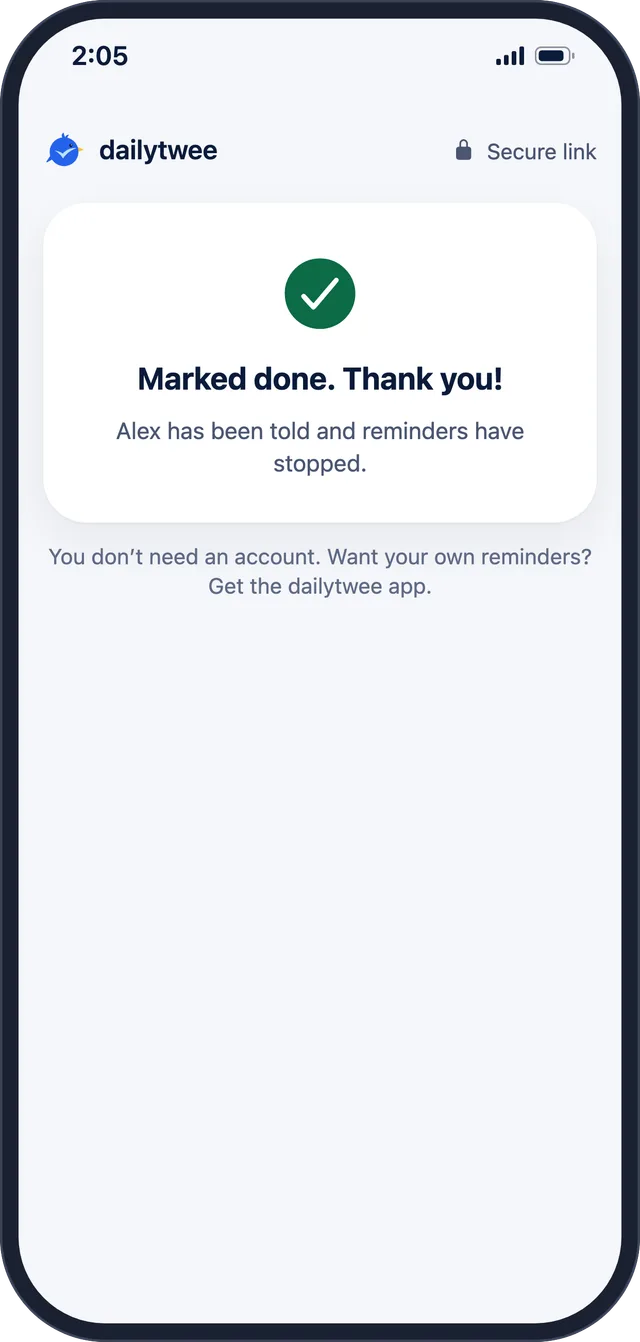
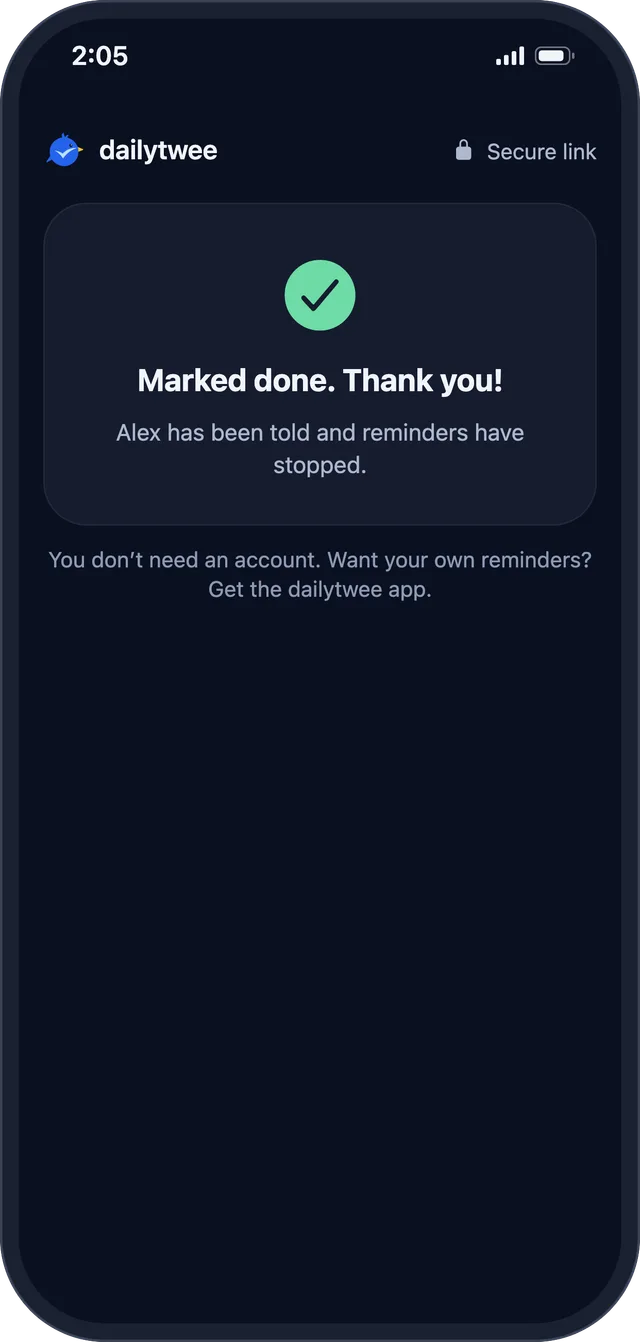
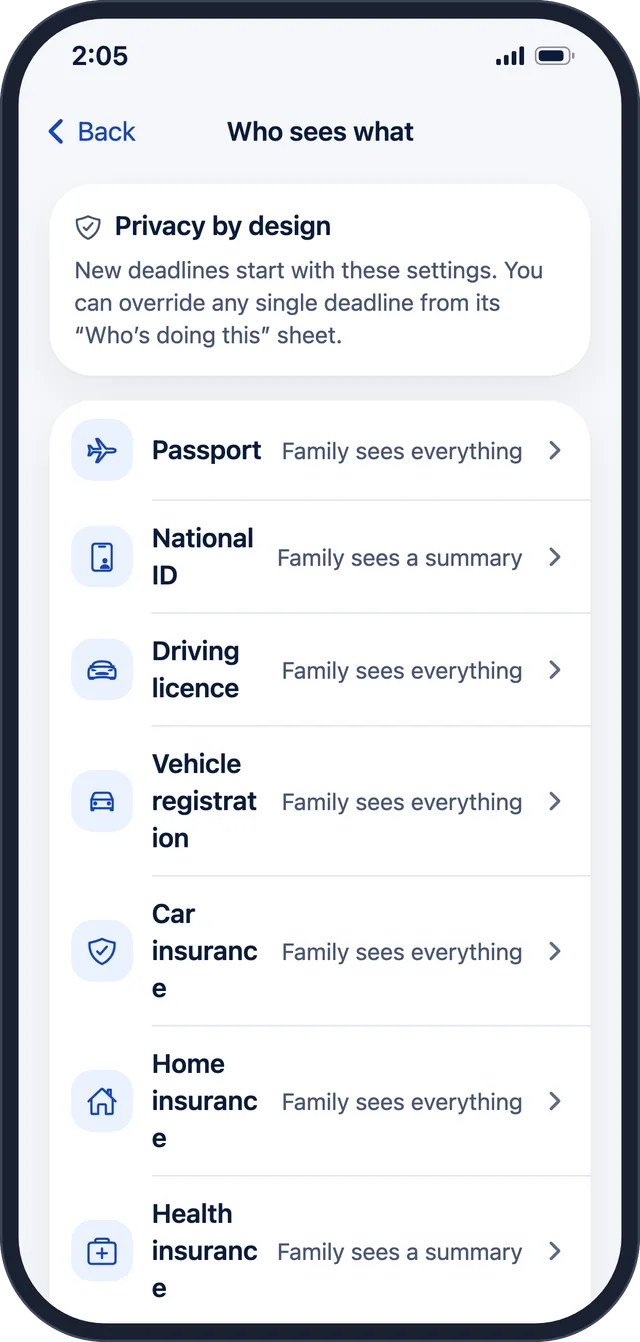
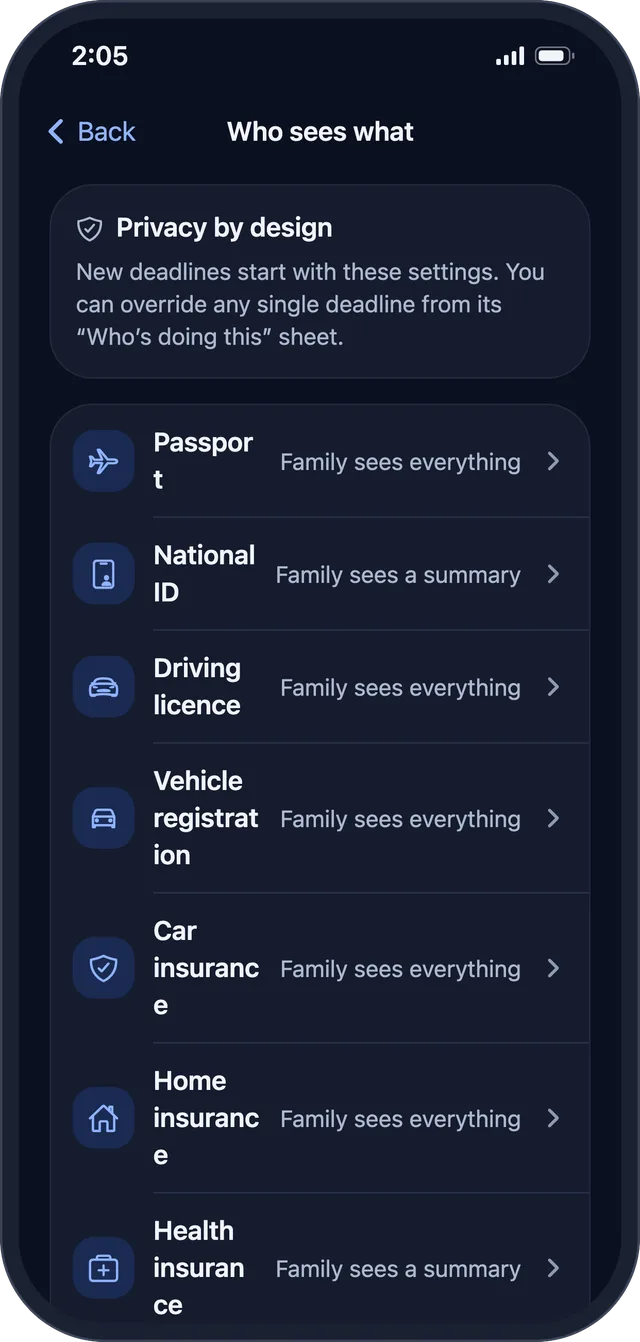
Each deadline can be Private, shared as a summary, or shared in full. Asked to do something? Accept, Snooze or say Not me, without a row.
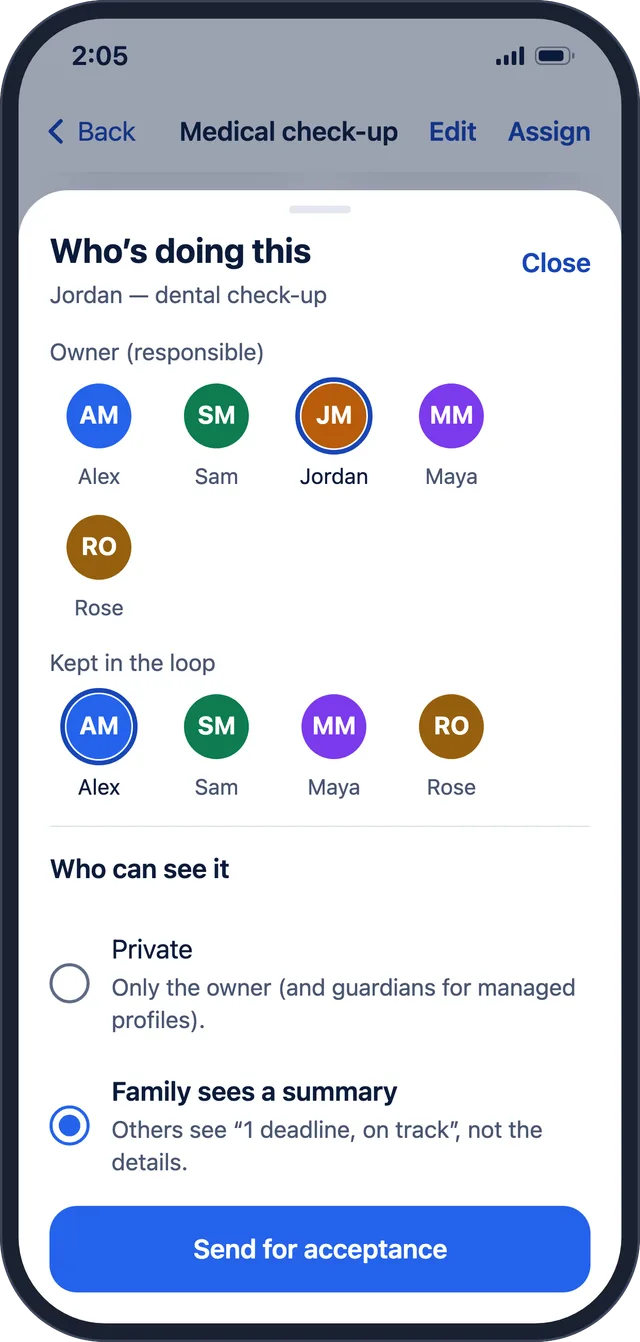
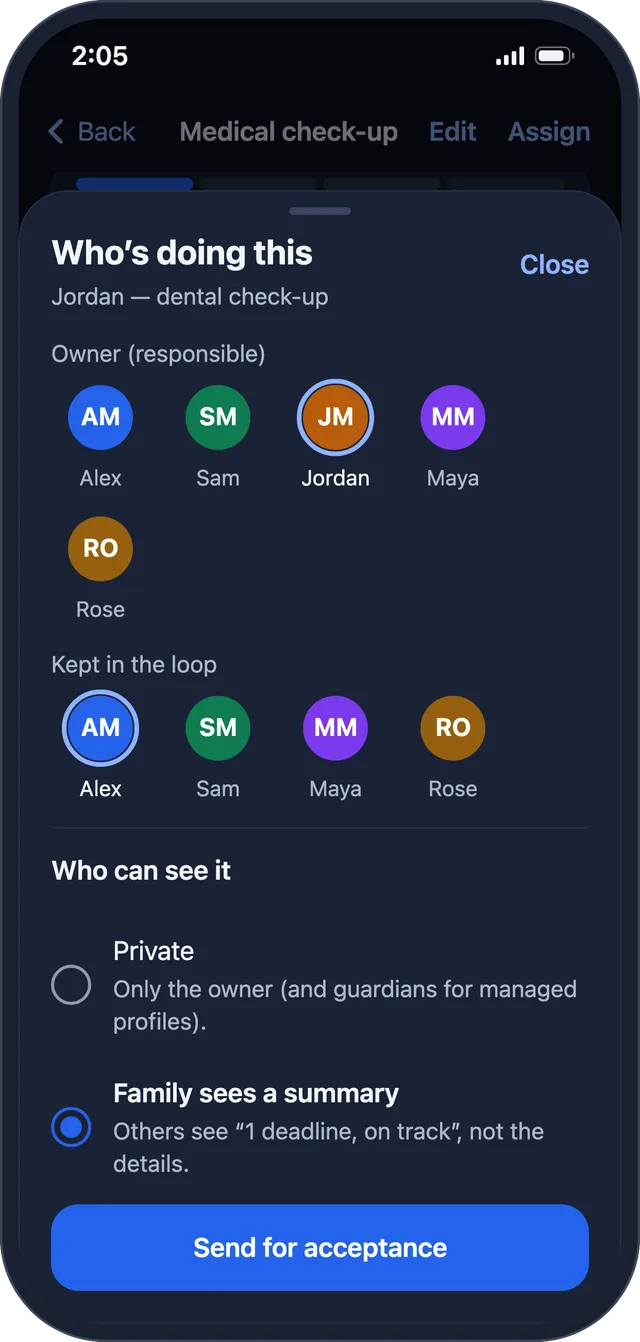
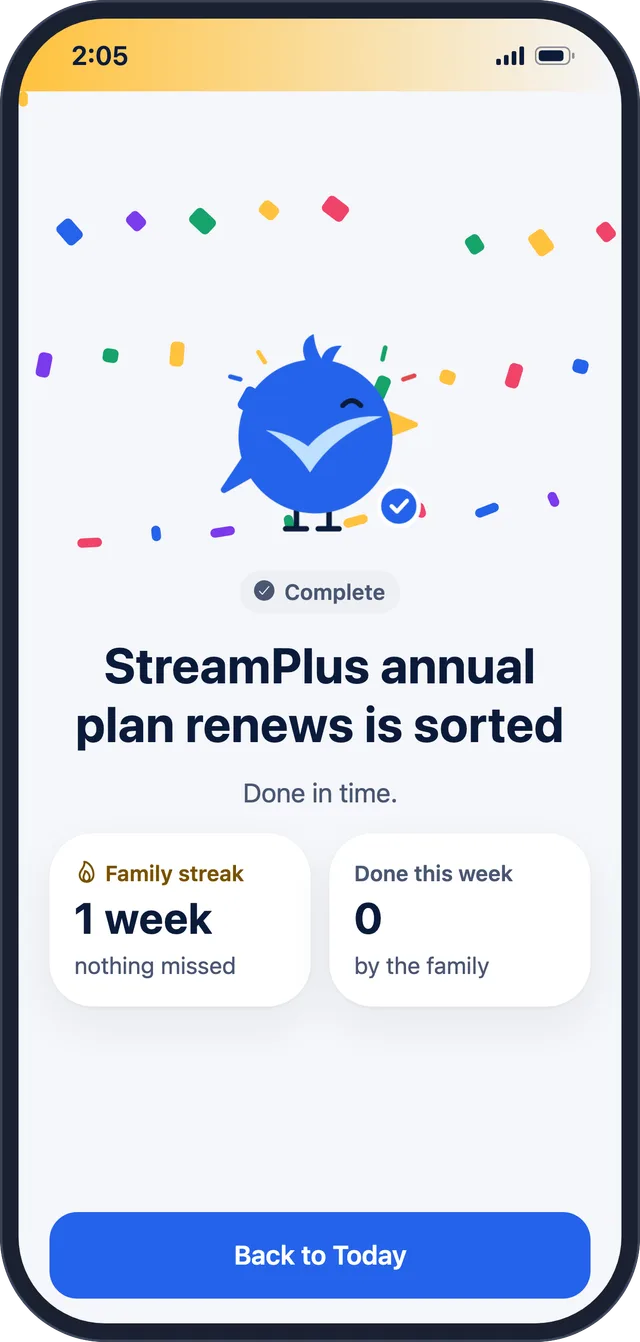
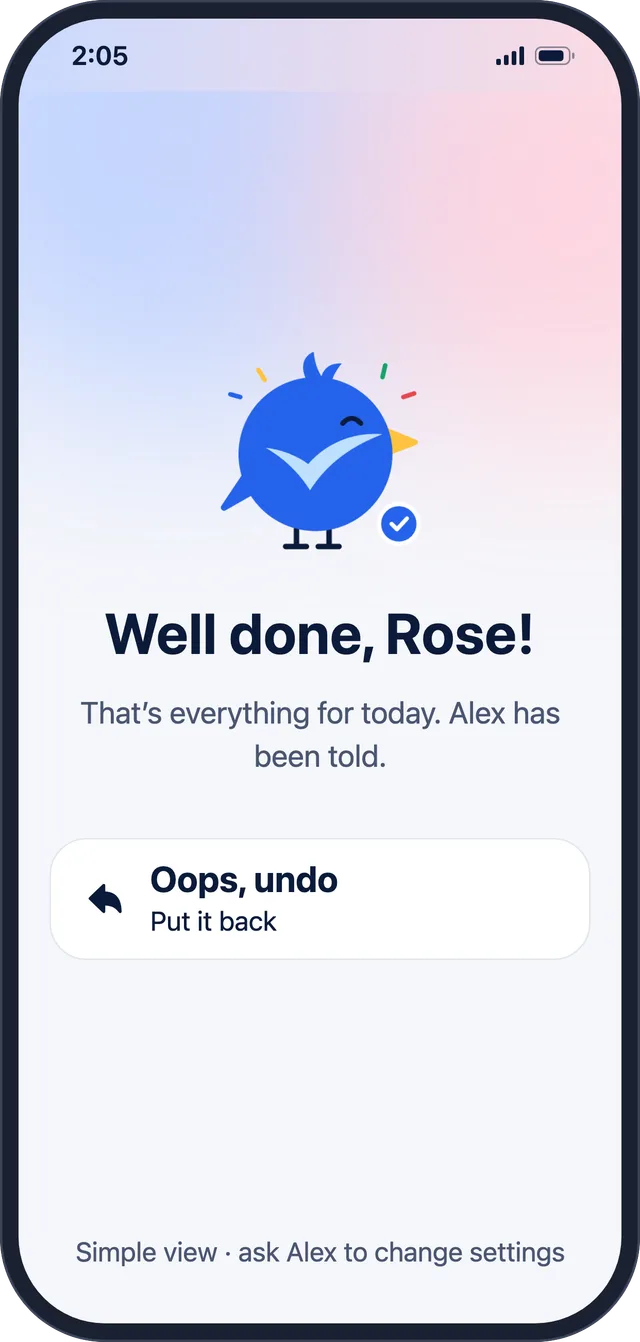
Simple view shows one task with big buttons and help one tap away. When it’s done: “Well done, Rose!”. Their deadlines can be looked after by family, even if they never open the app.
Looking after a parent?
And so will the right person. Set up a managed profile, add a backup plan, and Twee asks the next person when something important gets no response.